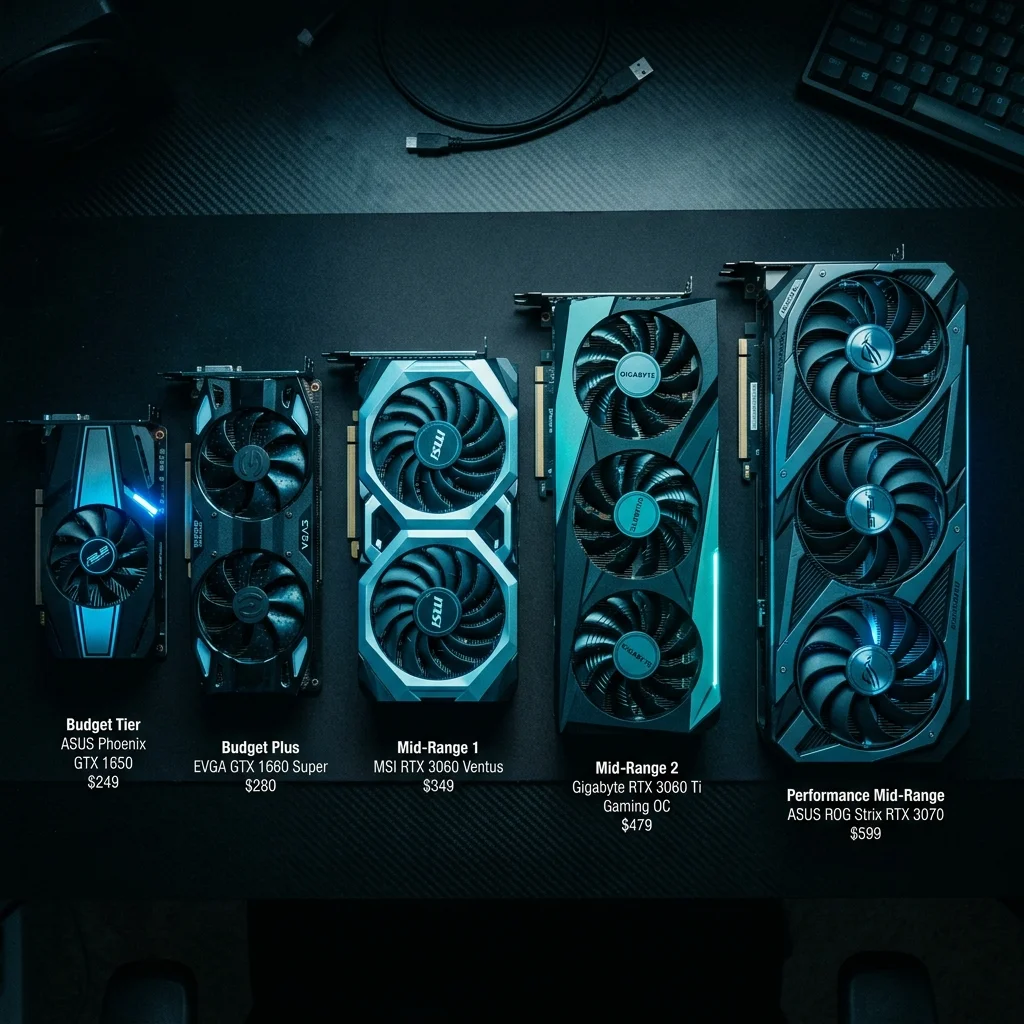
Best Budget GPU for AI in 2026: Under $300, $400, and $500 Picks
Running AI models locally doesn't require a $2,700 RTX 4090. In 2026, there are more capable budget options than ever, and some of them punch well above their price tag.
This guide breaks down the best GPUs for local AI at three price points: under $300, $300 to $400, and $400 to $500. Each pick includes real benchmark data, VRAM analysis, and exactly which models you can run.
Related: Best GPU for Local AI and LLMs in 2026 (Full Roundup) | How Much VRAM Do You Need to Run LLMs? | Not sure which GPU fits your use case? Take the GPU Quiz.
At a Glance: Best Budget GPUs for AI (2026)
- Best under $300: Intel Arc B580 -- 12GB VRAM for $249, runs 13B models with headroom
- Best VRAM-per-dollar: Intel Arc A770 -- 16GB for $280, unbeatable at this price
- Best Nvidia under $300: RTX 3060 12GB -- $299, rock-solid CUDA ecosystem
- Best $300 to $400: Intel Arc B770 -- 16GB for $349, newest Intel architecture
- Best $400 to $500 all-rounder: RTX 4060 Ti 16GB -- 89 tok/s on 8B, 16GB VRAM
- Best $400 to $500 value play: Used RTX 3090 -- 24GB for under $500, runs 32B models
Why VRAM Matters More Than GPU Speed for AI
Before jumping to picks, here's the single most important thing to understand: VRAM is the bottleneck for local LLMs, not raw compute.
If a model doesn't fit in your GPU's VRAM, it falls back to system RAM, which is 10 to 50 times slower. A card with more VRAM but slower compute almost always outperforms a faster card with less VRAM for LLM inference.
Quick VRAM Reference: What Can You Run?
| VRAM | Models You Can Run | Example Models |
|---|---|---|
| 8GB | 7B/8B at Q4 | Llama 3.2 8B, Mistral 7B, Phi-3 Medium |
| 12GB | 7B full Q8, 13B/14B at Q4 | Llama 3.1 13B Q4, DeepSeek R1 14B Q4 |
| 16GB | Up to 14B at Q6/Q8, 32B at Q2 | Codestral, DeepSeek R1 14B Q8, Qwen 14B |
| 24GB | 32B at Q4 (~20GB), 70B at Q2 | DeepSeek R1 32B Q4, Llama 3.1 70B Q2 |
Need the full breakdown? How Much VRAM Do You Need to Run LLMs in 2026?
Best GPUs Under $300 for AI
This tier is where Intel has completely flipped the script. Two years ago, the only real option under $300 was the RTX 3060. Now, Intel's Arc lineup offers more VRAM at the same price, and the performance gap has narrowed significantly.
1. Intel Arc B580 -- Best Under $300
Price: ~$249 | VRAM: 12GB GDDR6 | Inference speed: ~62 tok/s (8B Q4)
The Arc B580 is the sleeper hit of budget AI hardware. For $249, you get 12GB of GDDR6 -- the same VRAM as cards that cost $100 to $150 more. Intel's Xe2 architecture (Battlemage) brings meaningful efficiency gains over the previous Alchemist generation, and llama.cpp and Ollama support has matured significantly.
What models can you run?
- Llama 3.2 8B / 3.1 8B -- full Q8, runs at 62 tok/s
- Mistral 7B -- full Q8 with headroom to spare
- DeepSeek R1 7B -- Q4/Q8, excellent for coding tasks
- Llama 3.1 13B -- fits at Q4 (~8.5GB VRAM)
- DeepSeek R1 14B -- Q4 at ~9GB, tight but workable
- Phi-3 Medium 14B -- Q4 fits with ~1GB to spare
- Stable Diffusion XL -- runs well, 12GB is plenty
Pros:
- Exceptional VRAM-per-dollar, best in class at this price
- Intel's AI Boost NPU accelerates some workloads
- DirectX 12 / Vulkan compute for Ollama and llama.cpp
- Low power draw (~150W TDP)
Cons:
- No CUDA; if your workflow depends on CUDA-only tools, look elsewhere
- ROCm support is limited vs AMD
- Slightly lower raw throughput than RTX 3060 on some tasks
Bottom line: If you can live without CUDA, the B580 is the best GPU under $300 for AI by a clear margin. 12GB VRAM for $249 doesn't exist anywhere else.
2. Intel Arc A770 16GB -- Best VRAM-Per-Dollar Option
Price: ~$280 | VRAM: 16GB GDDR6 | Inference speed: ~70 tok/s (7B Q4)
The A770 is one of the most compelling GPU deals for anyone running local LLMs. 16GB of VRAM for $280. That's the same VRAM as the RTX 4060 Ti 16GB ($450+) at nearly half the price.
The catch: the A770 is based on Intel's older Alchemist (Xe-HPG) architecture. Performance per dollar for AI inference is still excellent, but it's slightly behind the newer B580 architecturally.
What models can you run?
- Everything the B580 can run, plus:
- Llama 3.1 13B at Q6/Q8 (~13GB VRAM) -- comfortable
- DeepSeek R1 14B at Q8 -- full quality, no compromise
- Mistral 12B / Codestral at Q8 -- fits with room to spare
- Stable Diffusion XL + ControlNet -- no VRAM pressure
- 32B models at very aggressive quantization (Q2 ~10GB) -- possible but slow
Pros:
- 16GB VRAM at $280, unmatched at this price
- Runs 14B models at full Q8 quality
- More future-proof than 8GB Nvidia cards
- Good for image generation and text LLM combo rigs
Cons:
- Alchemist architecture is older (vs B580's Battlemage)
- CUDA ecosystem not available
- Software support can be patchier than Nvidia on some tools
- Slightly lower tokens/sec vs equivalent Nvidia cards
Bottom line: If VRAM is your top priority and you're under $300, the A770 16GB is extraordinary value. The 16GB headroom means you won't hit the VRAM wall running 14B models that 12GB cards struggle with.
3. NVIDIA RTX 3060 12GB -- Best Nvidia Option Under $300
Price: ~$299 | VRAM: 12GB GDDR6 | Inference speed: ~50 tok/s (7B Q4)
The RTX 3060 12GB is the go-to recommendation for anyone who needs CUDA compatibility. CUDA still matters -- tools like ComfyUI, some PyTorch workflows, and certain fine-tuning setups work best or exclusively on CUDA. If your workflow is CUDA-dependent, the 3060 is your only real sub-$300 option with adequate VRAM.
Performance is a step below the Arc B580, but the ecosystem support is unmatched.
What models can you run?
- Llama 3.2 8B, Mistral 7B, Phi-3 Medium -- all comfortable
- DeepSeek R1 7B at Q4/Q8
- Llama 3.1 13B at Q4 -- fits at ~8.5GB
- DeepSeek R1 14B Q4 -- tight but runs (~9GB)
- Stable Diffusion XL -- excellent CUDA acceleration
Pros:
- CUDA ecosystem, best tool compatibility
- 12GB VRAM is solid for 13B models
- Mature, stable driver support
- Strong resale value
Cons:
- ~20% slower inference than Arc B580 at this price point
- Older Ampere architecture
- $50 more than the B580 for similar VRAM
Bottom line: Choose the RTX 3060 12GB if CUDA compatibility is non-negotiable. Choose the Arc B580 if you're CUDA-agnostic and want more performance for less money.
Best GPUs $300 to $400 for AI
The $300 to $400 range is crowded with cards that make you choose between VRAM and raw throughput. Intel's newer B770 shakes up this bracket significantly.
4. Intel Arc B770 -- Best $300 to $400 Pick
Price: ~$349 | VRAM: 16GB GDDR6 | Inference speed: ~78 tok/s (8B Q4)
The B770 is Intel's newest Battlemage card positioned above the B580. It keeps the 16GB VRAM advantage while adding more compute cores and bandwidth. At $349, you get better throughput than the A770 with the same VRAM, making it the standout value pick in this bracket.
What models can you run?
- Everything the A770 can, with ~10 to 15% faster throughput
- Llama 3.1 13B at Q8 -- comfortable at ~13GB
- DeepSeek R1 14B Q8 -- 16GB handles it cleanly
- Stable Diffusion XL + LoRA fine-tuning -- no issues
- Mistral 12B at full precision
Pros:
- Battlemage (Xe2) architecture, Intel's best yet
- 16GB VRAM at $349 is still exceptional value
- Faster than the A770 with same VRAM headroom
- Low power consumption for workload delivered
Cons:
- No CUDA
- Newer architecture; some bleeding-edge tools may lag in support
- Limited availability in some regions
5. NVIDIA RTX 4060 8GB -- Best CUDA Option $300 to $400
Price: ~$329 | VRAM: 8GB GDDR6 | Inference speed: ~55 tok/s (7B Q4)
The RTX 4060 is Nvidia's mainstream Ada Lovelace card. It's power-efficient, CUDA-capable, and handles 7B/8B models well -- but the 8GB VRAM is a real constraint for anyone wanting to run 13B+ models.
What models can you run?
- 7B/8B models at Q4/Q6 -- yes, fast
- 13B models -- limited; requires Q2 quantization (~7GB) with quality loss
- Stable Diffusion 1.5 / SDXL -- SDXL is tight on 8GB
Pros:
- Efficient Ada architecture
- CUDA compatibility
- Low 115W TDP, great for 24/7 inference servers
Cons:
- 8GB VRAM is genuinely limiting for AI work in 2026
- At $329, you're paying more than the B770 for less VRAM
Bottom line: Only buy the RTX 4060 if CUDA is essential and you're hard-capped at $329. Otherwise, the Arc B770 gives you twice the VRAM for $20 more.
6. NVIDIA RTX 3060 Ti 8GB -- Value CUDA Pick
Price: ~$350 | VRAM: 8GB GDDR6 | Inference speed: ~52 tok/s (7B Q4)
The RTX 3060 Ti has more raw CUDA cores than the 4060 but the same 8GB VRAM constraint. It's a decent pick if you find it under $300 on the used market, but at $350 new, the Arc B770 offers better AI-specific value.
Best GPUs $400 to $500 for AI
This is where things get interesting. At $400 to $500, you can get the 16GB VRAM sweet spot on Nvidia, or -- if you hunt the used market -- a 24GB RTX 3090 that obliterates every card in this guide on VRAM headroom.
7. RTX 4060 Ti 16GB -- Best New Card Under $500
Price: ~$479 | VRAM: 16GB GDDR6 | Inference speed: ~89 tok/s (8B Q4)
The RTX 4060 Ti 16GB is the most VRAM-efficient Nvidia card in the sub-$500 range. It's built on Ada Lovelace, has full CUDA support, and at 89 tok/s on 8B models, it's genuinely fast for inference. The 16GB makes it comfortable for 14B models at Q8 and opens the door to lighter 32B quantizations.
What models can you run?
- 7B/8B models at Q8 -- fast (89 tok/s)
- Llama 3.1 13B at Q8 -- fits cleanly
- DeepSeek R1 14B at Q8 -- comfortable
- Mistral 12B at full precision
- 32B models at Q2 (~10GB) -- yes, though quality is reduced
- Stable Diffusion XL with ControlNet -- excellent
Pros:
- Best inference throughput in sub-$500 Nvidia range
- 16GB VRAM future-proofs you for near-term model growth
- CUDA: full compatibility with all tools
- Ada efficiency -- lower power draw than 3000-series at this tier
Cons:
- Pricier than Intel equivalents with same VRAM
- 128-bit memory bus; high VRAM but bandwidth is constrained vs larger dies
- The 8GB version is $100 cheaper but much less useful for AI
Bottom line: If you want a new, CUDA-capable card with 16GB VRAM and have up to $500 to spend, the RTX 4060 Ti 16GB is the pick. It's the sweet spot for serious local AI work without breaking the budget.
8. Used RTX 3090 24GB -- The Wild Card
Price: ~$450 to $499 (used) | VRAM: 24GB GDDR6X | Inference speed: ~112 tok/s (7B Q4)
Here's the wildcard. The RTX 3090 on the used market has 24GB of GDDR6X VRAM -- twice what the 4060 Ti 16GB offers -- and you can find it under $500 if you're patient.
24GB unlocks an entirely different tier of models. DeepSeek R1 32B at Q4 (~20GB)? Runs. Llama 3.1 70B at Q2 (~22GB)? Runs. Mixtral 8x7B? Absolutely.
What models can you run?
- Everything up to 32B at Q4
- DeepSeek R1 32B Q4 (~20GB) -- comfortable
- DeepSeek R1 70B Q2 (~22GB) -- yes, with ~2GB to spare
- Llama 3.1 70B Q2
- Mixtral 8x7B Q4 (~26GB) -- tight, may require small offload
- Stable Diffusion XL, SDXL Turbo, SD3 -- no constraints
Pros:
- 24GB VRAM is transformative; runs models no other sub-$500 card touches
- Highest throughput at 112 tok/s (faster than RTX 4060 Ti 16GB)
- CUDA + full ecosystem support
- Incredible value if you find one under $500
Cons:
- 350W TDP; this card runs hot and loud
- Used-only at this price; buying refurb carries risk
- Older Ampere architecture; no AV1 hardware encode
- Check seller reputation carefully for used GPUs
Where to find: Check Amazon Renewed, eBay "Buy It Now" listings, and local marketplace. Prices fluctuate; you may pay $550 if you're unlucky.
Bottom line: If you can tolerate used hardware and the 350W power draw, the RTX 3090 at under $500 is arguably the best AI GPU under $1,000 on a pure VRAM-per-dollar basis. Nothing else at this price can touch 24GB.
Full Comparison Table
| GPU | Price | VRAM | Tok/s (7-8B) | Best For | CUDA? |
|---|---|---|---|---|---|
| Intel Arc B580 | $249 | 12GB | 62 | Best sub-$250 pick | No |
| Intel Arc A770 | $280 | 16GB | 70 | Best VRAM/$, 14B models | No |
| RTX 3060 12GB | $299 | 12GB | 50 | CUDA + 13B models | Yes |
| Intel Arc B770 | $349 | 16GB | 78 | Best $300-$400 overall | No |
| RTX 4060 8GB | $329 | 8GB | 55 | CUDA, 7B only | Yes |
| RTX 4060 Ti 16GB | $479 | 16GB | 89 | Best new card under $500 | Yes |
| Used RTX 3090 | ~$475 | 24GB | 112 | Best VRAM, 32B/70B models | Yes |
Is It Worth Spending More?
Yes, if you want to run 32B+ models. 16GB hits a hard ceiling at 32B quantized models. If you want to run DeepSeek R1 32B at Q4 quality or experiment with 70B models, you need 24GB+. The jump from 16GB ($479 for the 4060 Ti 16GB) to 24GB (used RTX 3090 at ~$475) is actually free on the used market right now -- same price, double the VRAM.
Not worth it if 7B/13B is your ceiling. If you're running Llama 8B, Mistral 7B, or similar for coding assistance or chatbots, the Arc B580 at $249 delivers 62 tok/s with 12GB VRAM. Spending $250 more gets you maybe 40% more throughput. The extra money doesn't transform your experience.
The sweet spot for most users is 16GB VRAM. 16GB runs all models up to 14B at full Q8 quality, handles SD XL with no stress, and gives you room for multimodal tasks. The Arc A770 at $280 and the Arc B770 at $349 offer this tier at prices that were impossible two years ago.
FAQ
Can I run Llama on a $250 GPU?
Yes. The Intel Arc B580 at $249 runs Llama 3.2 8B at Q8 with 12GB VRAM and achieves ~62 tok/s -- faster than an RTX 3060. You can run Llama 3.1 13B at Q4 on it too. For a $250 card, it's remarkable.
Best GPU under $300 for Stable Diffusion?
The Intel Arc A770 16GB at $280. 16GB VRAM eliminates every constraint for Stable Diffusion XL, ControlNet, and most LoRA workflows. The trade-off is no CUDA -- use the RTX 3060 12GB if you need CUDA-specific extensions.
Should I buy used or new?
For budget AI, used GPUs offer the best value, especially if you're hunting 24GB VRAM cards like the RTX 3090. Stick to Amazon Renewed or reputable eBay sellers with return policies. Avoid private sales for GPUs without warranty.
Is the RTX 4060 Ti 8GB worth it for AI?
No. At $400, the 8GB version of the 4060 Ti is worse than the B770 at $349 (less VRAM, lower AI value) and much worse than the 16GB variant ($479). Skip it entirely.
What about AMD GPUs under $500?
AMD's ROCm support has improved, but sub-$500 AMD cards (RX 7600, RX 7700) have 8 to 12GB VRAM. The RX 7900 GRE with 16GB sits around $450 and is worth considering -- ROCm works well with llama.cpp and Ollama. Intel Arc offers better VRAM value at this tier in 2026.
Can I run DeepSeek R1 on a budget GPU?
Yes. DeepSeek R1 7B at Q4 needs ~4.5GB and runs on any GPU in this guide. DeepSeek R1 14B Q4 needs ~9GB and runs on the B580 (12GB) or A770 (16GB). DeepSeek R1 32B Q4 needs ~20GB -- only the used RTX 3090 (24GB) can handle it in this price range.
Is Intel Arc reliable for AI in 2026?
Yes, significantly more than it was in 2024. Ollama, llama.cpp, and LM Studio all have solid Intel GPU support. If you're not doing CUDA-only workflows, Arc is a legitimate choice.
Our Picks Summary
- Best under $250: Intel Arc B580 -- 12GB for $249
- Best VRAM value: Intel Arc A770 16GB -- 16GB for $280
- Best CUDA under $300: RTX 3060 12GB -- 12GB for $299
- Best $300 to $400: Intel Arc B770 -- 16GB for $349
- Best new card under $500: RTX 4060 Ti 16GB -- 16GB for $479
- Best used value: RTX 3090 24GB -- 24GB for ~$475
Not sure which fits your setup? Take the GPU Quiz
Prices accurate as of April 2026. As an Amazon Associate, I earn from qualifying purchases.
About the Author: Justin Murray
AI Computer Guide Founder, has over a decade of AI and computer hardware experience. From leading the cryptocurrency mining hardware rush to repairing personal and commercial computer hardware, Justin has always had a passion for sharing knowledge and the cutting edge.