
GitHub Copilot costs $10-19/month. ChatGPT Plus is $20. Claude Pro is $20. That's $120-240 per year for coding assistance that sends every line of your code to someone else's servers.
However, local coding models have flipped that equation in 2026. You run them on your own hardware, your code never leaves your machine, and the total cost after setup is zero. The tradeoff used to be quality—local models couldn't compete with the cloud. That has fundamentally changed. Open-source coding models like Qwen 2.5 and Llama 3 derivatives now match and exceed GPT-4o on standard SWE benchmarks, and they run entirely on hardware you might already own.
This comprehensive guide covers the best models to use at every VRAM tier, how they compare on real benchmarks, and exactly how to easily set them up in your editor of choice.
Related: How Much VRAM Do You Need to Run LLMs in 2026? | Best GPUs for Local AI & LLMs in 2026 | Take the 2-minute GPU Finder Quiz
Why Code Locally in 2026?
Four major reasons enterprise teams and solo developers are making the switch:
- Absolute Code Privacy: Every prompt you send to Copilot or ChatGPT passes through corporate servers. If you are working on proprietary code, client projects, or under NDA, that is a massive security risk. Local models process everything on your machine. Nothing leaves.
- Zero Recurring Costs: $19/month for Copilot Business drains budgets rapidly when multiplied across a team or over years. Local models are completely free after the initial hardware investment.
- Always Offline: Flights, coffee shops with bad WiFi, air-gapped environments, or ISP outages. Local models don't care. No internet required.
- No Throttling or Surprise Updates: You'll never experience rate limits during peak hours, unannounced model swaps, or features being paywalled. You own the model, the version, and the configuration.
What Makes a Great Coding Model?
Not all Large Language Models are equal at coding. The best local coding variants focus strictly on four architectural traits:
- Code Completion (FIM): "Fill-in-the-middle" support implies the model can complete code given both the text before and after your cursor. This entirely powers your editor's inline tab-autocomplete. If a model lacks FIM, it is only useful for conversational chat.
- Strict Instruction Following: "Refactor this function out", "explain this brutal regex", "write unit tests for this React component." The model needs to precisely adhere to natural-language system prompts regarding code structure.
- Complex Multi-language Support: Software engineers rarely live in one syntax. The model must effortlessly transition from Python to JavaScript/TypeScript, to Rust, without hallucinating libraries.
- Sufficient Context Window: Seeing 2,000 tokens of context is useless when a function inherits types established 600 lines higher. Modern coding operations rely heavily on 32K+ and even 128K context boundaries.
Best Coding Models by VRAM Tier
1. The 8GB VRAM Tier (Entry Level)
This is the most common GPU tier (e.g., RTX 4060, Intel Arc B580). Fortunately, the best small FIM model outperforms massive enterprise checkpoints from just a year ago.
- For Autocomplete:
Qwen2.5-Coder:7B— Still the absolute FIM king. Hitting 88.4% on HumanEval at only 7 Billion parameters, it confidently beats the larger CodeStral-22B. It features 128K context boundaries and supports 92+ languages. Set this as your tab-complete backbone. - For Chat-based Coding:
Qwen3.5:9B— Released early 2026, this natively multimodal giant packs a 262K context window into a footprint that fits perfectly inside 8GB VRAM (running at Q4_K_M). It natively reads code screenshots and error dialogs without separate vision encoders.
The Strategy: Run the 7B Coder purely for autocomplete, and swap to the 9B when you need to chat, debug, or analyze huge error logs.
2. The 16GB VRAM Tier (The Mid-Range Sweet Spot)
This tier opens the floodgates for incredibly dense 14B models. If you rock an RTX 4060 Ti 16GB or the budget-oriented RX 9070, this is your playground.
- The Ultimate Winner:
Qwen2.5-Coder:14B— This model completely dominates CodeStral-22B and DeepSeek Coder 33B. At standard Q4 quantization, it utilizes ~9GB of your VRAM, leaving you an absolutely massive headroom of 7GB purely for loading in immense context windows (reading multiple code files across a repo).
3. The 24GB VRAM Tier (High-End Professional)
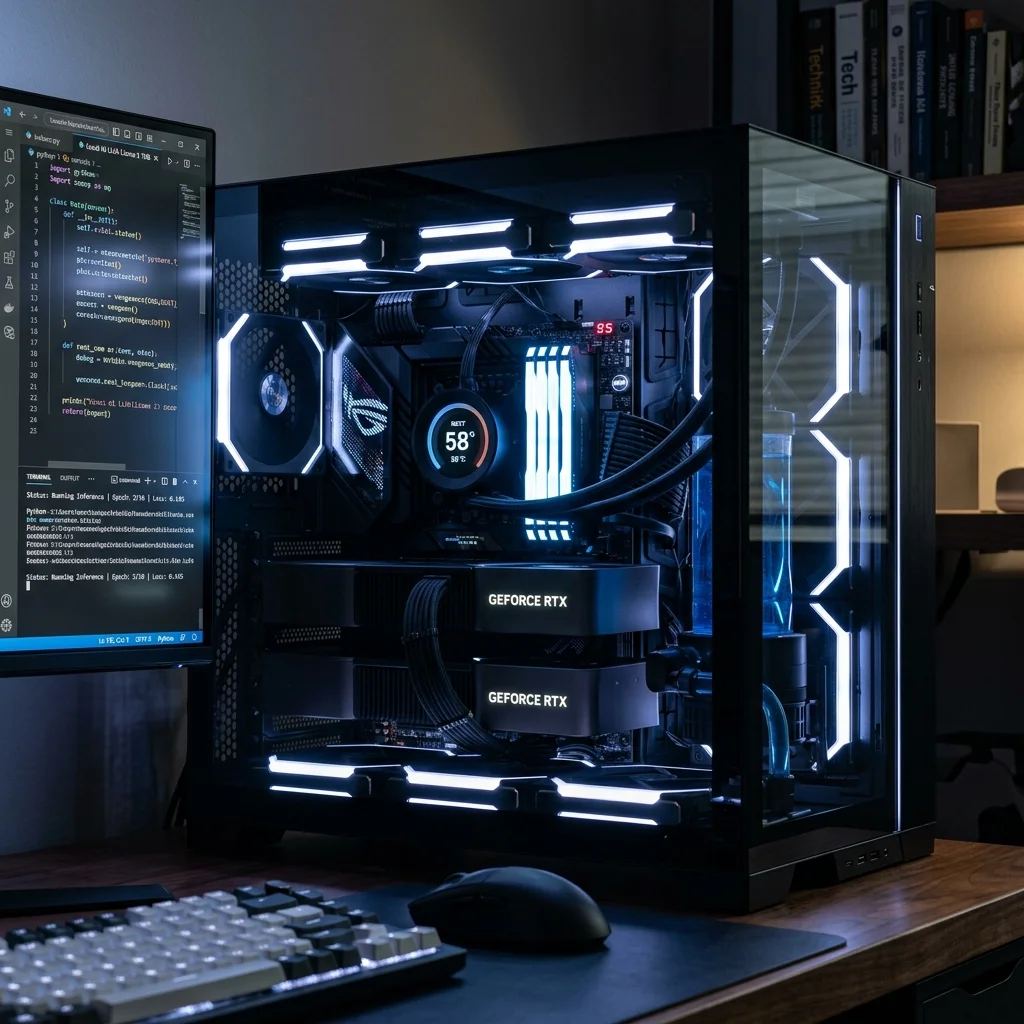
This is where local coding brutally competes with cloud-based API models. A used RTX 3090 drops into your lap an ungodly 24GB of VRAM capable of matching GPT-4o.
- For Autocomplete:
Qwen2.5-Coder:32B— Scoring a terrifying 92.7% on HumanEval, this is your FIM champion at 24GB. At 4-bit precision, it comfortably fits inside ~20GB of VRAM. - For Logic & Chat Reasoning:
Qwen3.5:27B— A dense 27B model that essentially ties with GPT-5 Mini equivalents on SWE-bench Verified tasks. Its native tool calling via theqwen3_coderparser makes it absurdly efficient for VS Code extensions. - For Fast Agentic File-Scaffolding:
Qwen3.5:35B-A3B (MoE)— An elegant Mixture of Experts model. It technically holds 35B parameters, but only triggers 3B to execute math per token. Result? Blistering speeds of 110+ tok/s on an RTX 3090 while maintaining elite logic retention.
4. The 48GB+ / Mac Tier: Agentic Coding Workflows
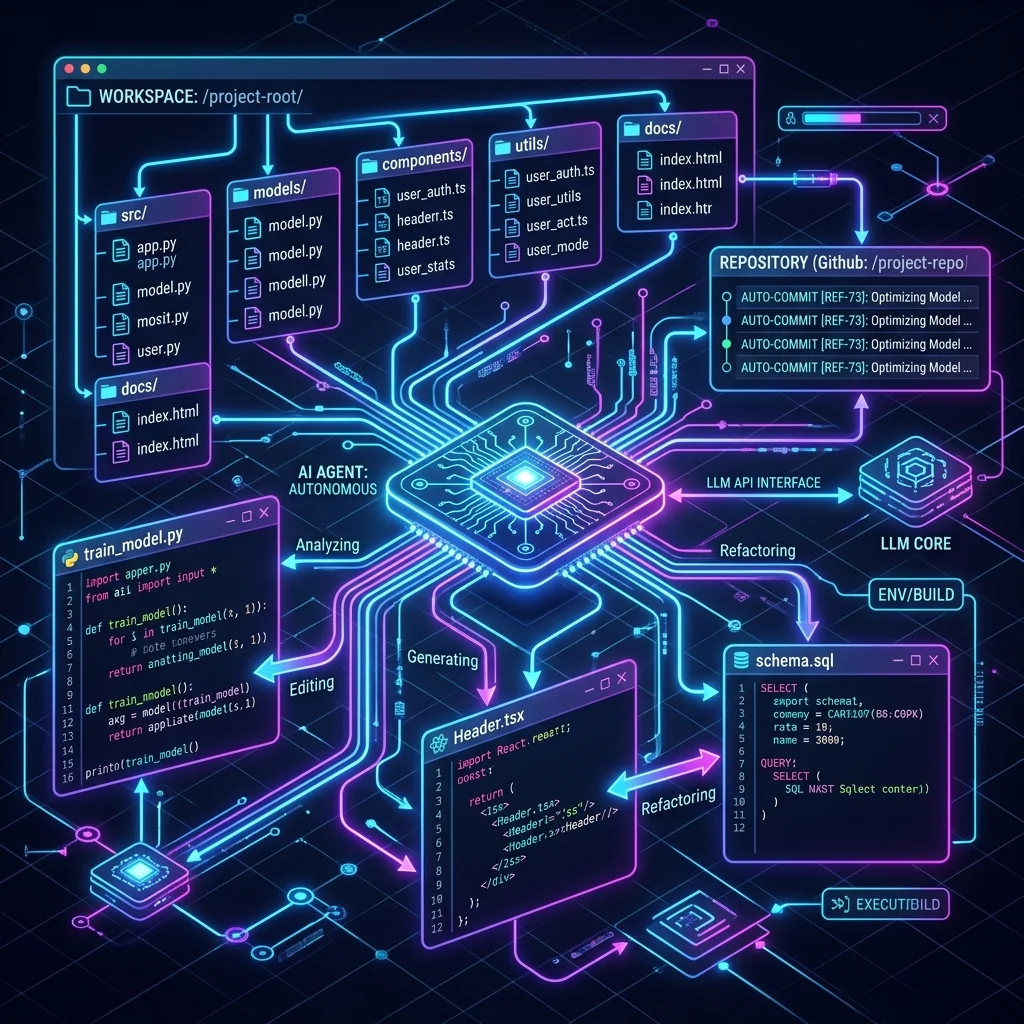
If you operate dual 24GB cards or a heavily loaded Apple Mac Studio M4 Max, you transcend auto-complete into the territory of entirely autonomous Agentic execution.
- The Undisputed King:
Qwen3-Coder-Next(80B MoE). Released February 2026, this activates only 3B parameters per token, but its problem-solving intelligence is horrific. It is specifically built for agent loops: reading your repo, mapping multi-file revisions, and committing code directly. - Resolves real-world GitHub issues at 70.6% on SWE-bench Verified—an absolute frontier-model benchmark for a localized network.
2026 Master Local Coding Comparison Table
| Model Profile | Best VRAM Tier | Ideal Usage | Benchmark (HumanEval / Score) | Setup Command (Ollama) |
|---|---|---|---|---|
| Qwen 2.5 Coder 7B | 8GB | Autocomplete / FIM | 88.4% | ollama run qwen2.5-coder:7b |
| Qwen 3.5 9B | 8GB | Code Chat & Vision | Multimodal (65.6 LCB) | ollama run qwen3.5:9b |
| Qwen 2.5 Coder 14B | 16GB | Mid-Range Chat + FIM | 90.2% | ollama run qwen2.5-coder:14b |
| Qwen 2.5 Coder 32B | 24GB | High-End FIM | 92.7% | ollama run qwen2.5-coder:32b |
| Qwen 3.5 27B Dense | 24GB | Heavy Logic / Debugging | SWE-bench Tied GPT-5m | ollama run qwen3.5:27b |
| Qwen3-Coder-Next | 48GB+ (Mac) | Agentic / Multi-file | 70.6% SWE-bench Verified | ollama run qwen3-coder-next |
How to Set Up Your Local Workspace (VS Code + Ollama)
The quickest, most robust way to replace Copilot is utilizing the open-source Continue extension.
- Install Ollama: Follow our Getting Started with Local LLMs guide.
- Download Your Model: Open your terminal and run your selected pull command (e.g.,
ollama pull qwen2.5-coder:7bfor an 8GB machine). - Install Continue: Open VS Code > Extensions > Search for "Continue.dev" and install it.
- Configure Your Setup: Navigate to
~/.continue/config.yamland configure the autocomplete backend to point directly to your local Ollama port (http://localhost:11434).
You can now utilize tab to autocomplete seamlessly without hitting a single corporate server.
FAQ
Can I run these local models on a MacBook? Yes. Apple's Unified Memory architecture is remarkably capable for AI inference. A MacBook Pro with 18GB of Unified Memory can easily run the 14B models natively using llama.cpp or Ollama.
What happens if I try a model that is too big for my VRAM? The execution runtime (Ollama/LM Studio) will default into CPU Offloading. The layers that do not fit onto your extremely fast VRAM will spill into your system DDR5 RAM. Generating code will plummet from 80 tokens/second down to a painful 1 or 2 tokens/second. Stick to the VRAM tiers outlined above!
What is the difference between FIM and standard Chat? FIM (Fill-in-the-Middle) is optimized purely to exist inside the exact location of your typing cursor. It reads the code above and below you sequentially to predict exactly what function closure or variable name fits accurately. Standard Chat is conversational context, designed for when you ask "what is wrong with this script?"
How do I close the memory gap for large context windows?
A massive context window takes up VRAM memory exponentially (KV Cache footprint). If you want to feed the model a 32,000 token codebase on a tight 12GB GPU like the Arc B580, you must utilize lower quantization limits (e.g., Q4_K_S instead of Q4_K_M) to squeeze back a few hundred megabytes of breathing space.
About the Author: Justin Murray
AI Computer Guide Founder, has over a decade of AI and computer hardware experience. From leading the cryptocurrency mining hardware rush to repairing personal and commercial computer hardware, Justin has always had a passion for sharing knowledge and the cutting edge.